FEATURES
Jot it, tap it, don't forget it
Finish today's to-dos right from the home screen, and keep recurring
things on track as routines. Reminders, repeats, the random pick, and the
timer tie it all together.
checklist
A today board, by group
To-dos are laid out by group, two to a row. Tap one to mark it done,
undo right away if you slipped, and watch your progress for the day.
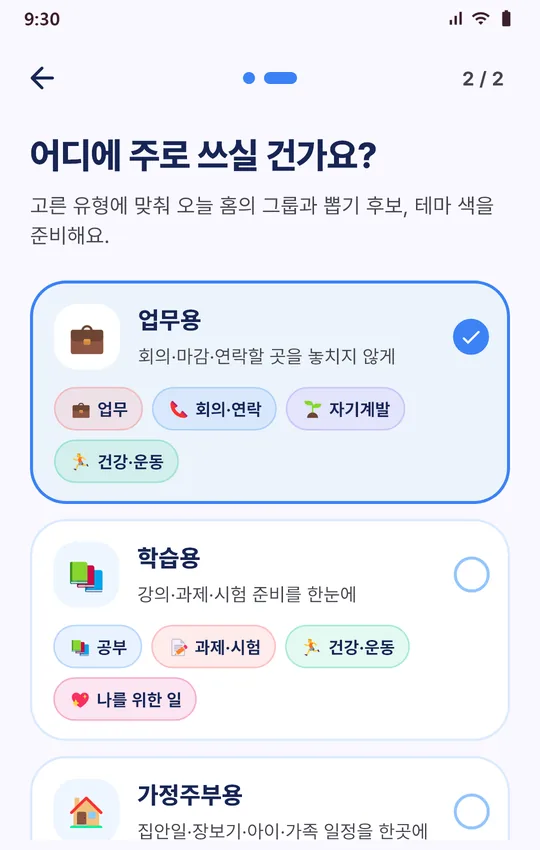
Long-press a card to drag it into a new order or over to another group,
and create new groups from a template or from scratch.
mic
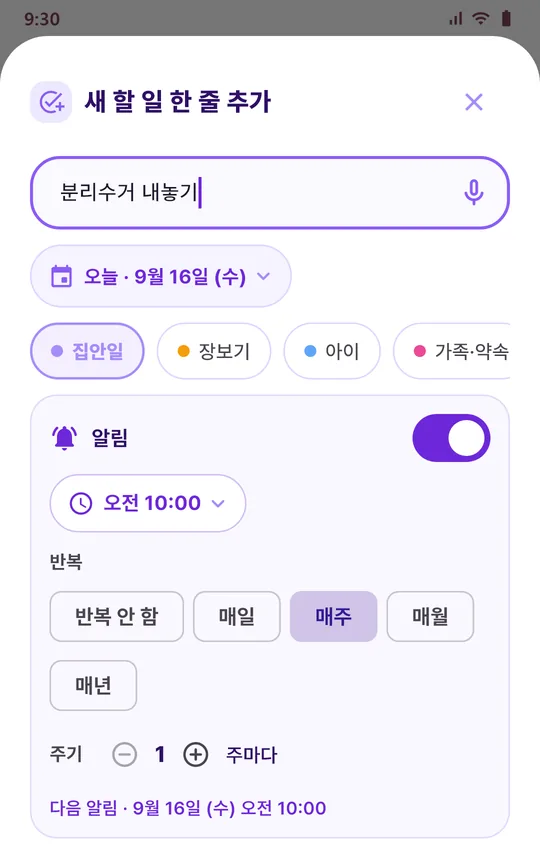
Quick add and voice input
Type a single line, or tap the mic and say it — voice input uses your
phone's speech recognition service. The date defaults to today, and you
can change it if you need to.
event_repeat
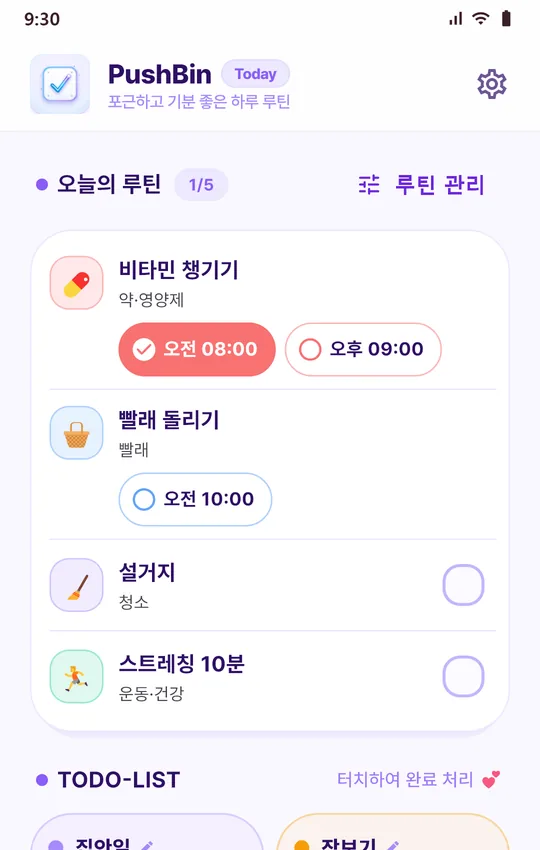
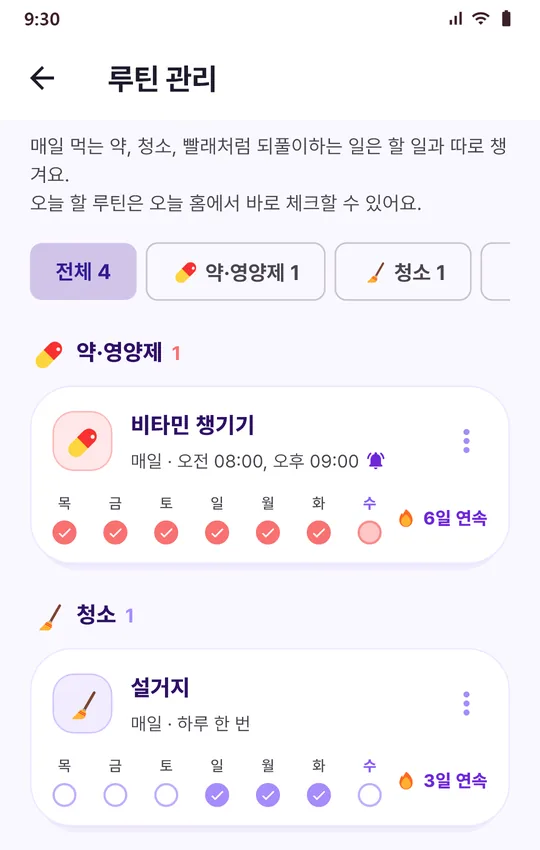
Routines, kept separate
Medication & supplements, cleaning, laundry, exercise & health,
meals & cooking, and more live apart from your to-dos. Run them every
day, on weekdays, on weekends, or on the days you pick, and check them
up to four times a day — morning and evening pills, say. Tap “Done” (했어요) on
the reminder to check one off without opening the app. You'll see the
last 7 days and your streak, and pausing a routine keeps its history.
notifications_active
Reminders and repeats
Give any to-do a reminder time and repeat it daily, weekly, monthly, or
yearly, at the interval you want (every 2 weeks, for example). A
repeating to-do comes back once its next date arrives, and reminders are
rescheduled after your phone restarts. Share a to-do or reminder through
the Android share sheet — to KakaoTalk, text messages, and more.
casino
Today's pick
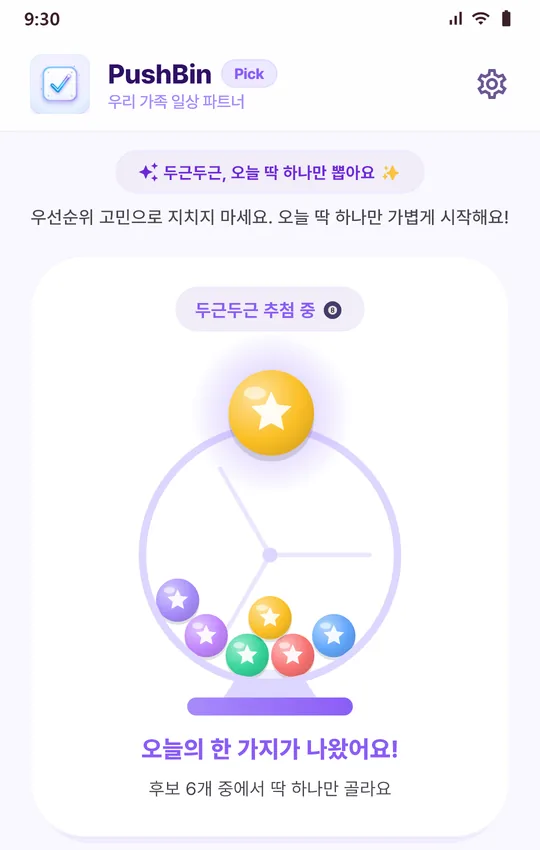
When you can't decide where to start, draw one from the candidates
you've set up in 10-, 30-, or 60-minute blocks, like rolling a lottery
ball. You can also send a candidate straight to today's card, and start
a timer on whatever gets picked.
timer
A timer you can see
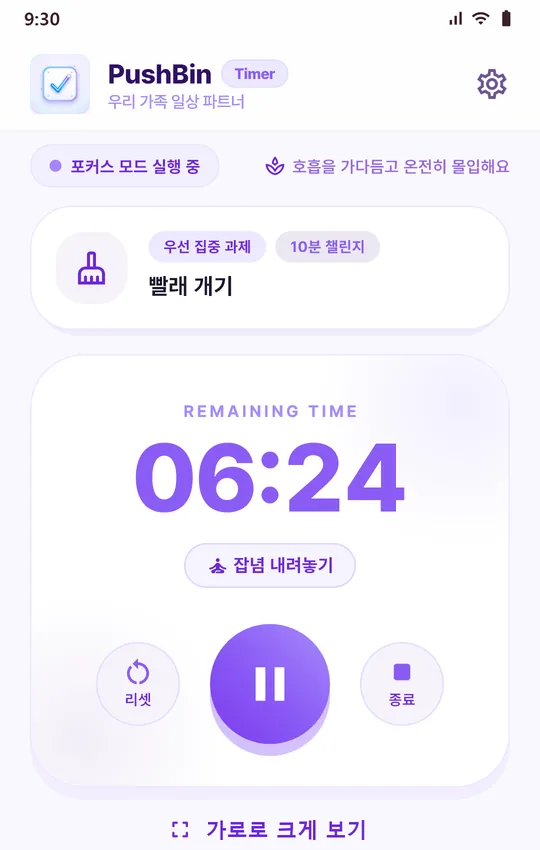
The time left shows in big digits, and you can flip it to full-screen
landscape. Change the timer color, and get an alert when time's up even
if the app is closed. Finishing is up to you — it's only recorded when
you tap complete.
calendar_month
History on a calendar
Look back on past days in a calendar. Tap a date to open a timeline of
what you added and finished, plus your picks and timer sessions, in
order. Upcoming repeat dates are marked too.
widgets
Home screen widgets
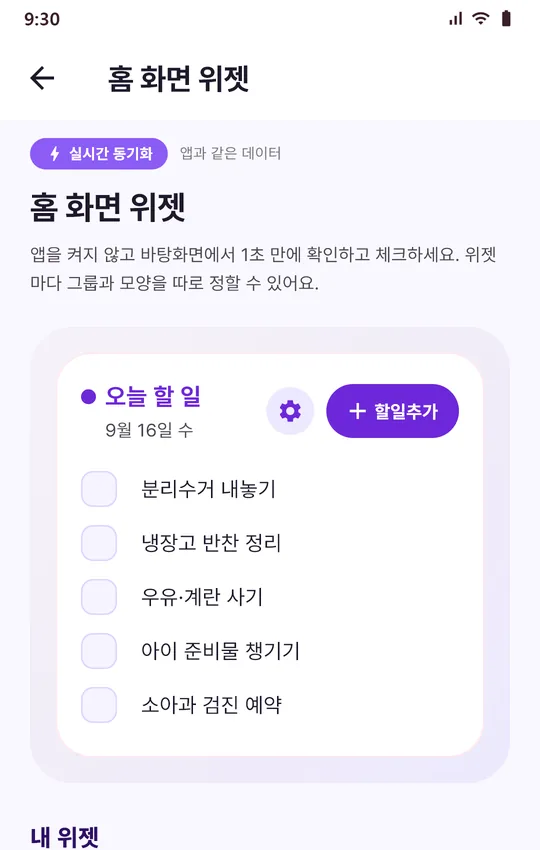
Check things off from your home screen without opening the app, or tap
“Add” (할일추가) to jot one down. Give each group its own widget, and use ⚙ to set
the title, background color, transparency, font, and text size.
palette
Make it yours
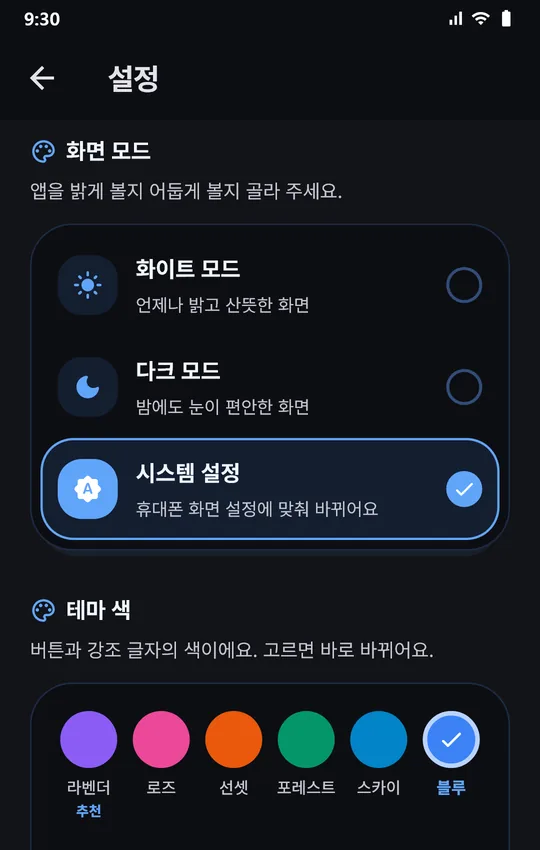
Choose from six theme colors — lavender, rose, sunset, forest, sky, and
blue — and a white, dark, or system display mode. Changes apply
instantly.